
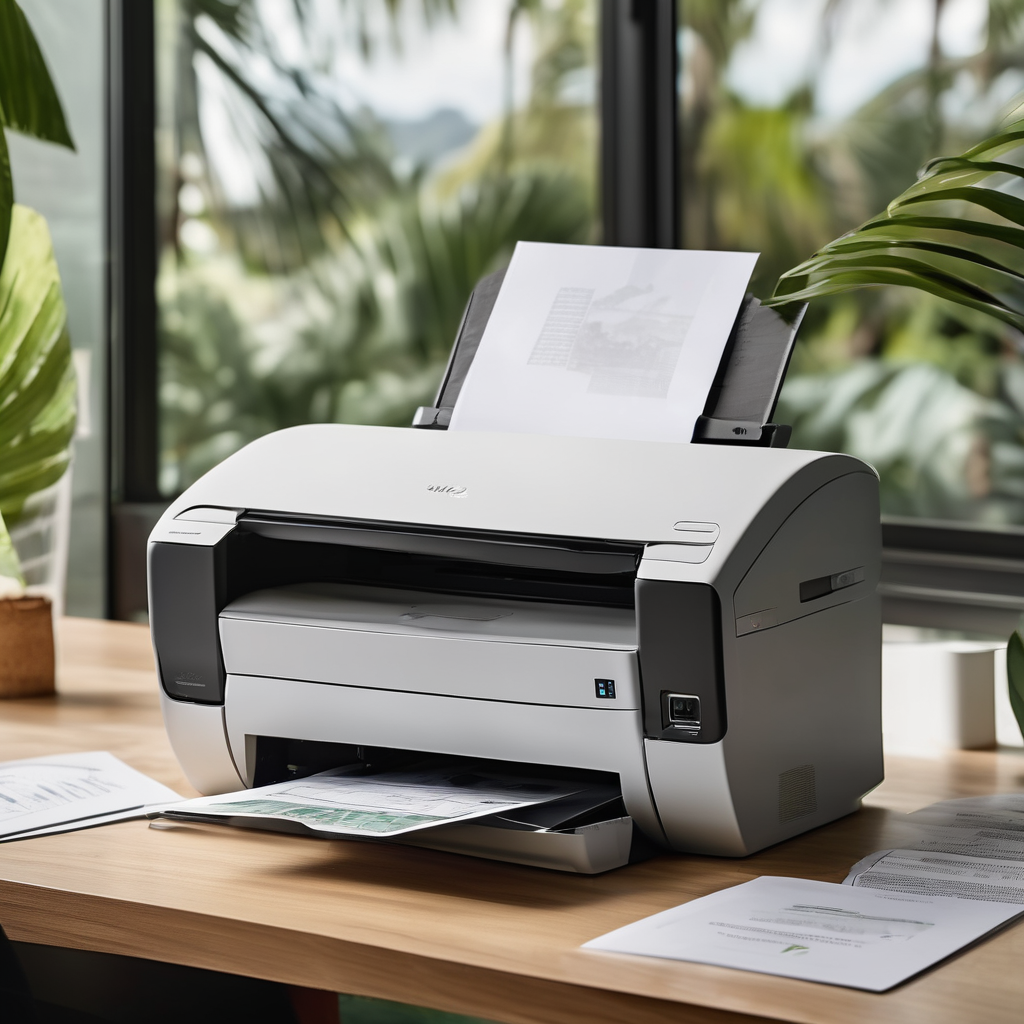
Microsoft has announced a significant tightening of controls regarding legacy Windows printer drivers, a move that will see the majority of new submissions blocked by default and rerouted through a manual review process. This shift comes as the tech giant phases out the older V3 and V4 driver infrastructure, with print partners now required to submit justifications for each new driver they seek to present.
The implications of this change are particularly pertinent in light of ongoing updates to Windows 11. According to reports from Windows Central, devices still relying on V3 and V4 drivers may experience installation failures or operational issues as the updates expand across versions 24H2 and 25H2 of Windows 11. Tom’s Hardware has highlighted that this decision effectively halts new third-party printer driver releases through Windows Update, prompting users to transition to newer printing frameworks provided by vendors. Despite these disruptions, Microsoft believes that most customers will remain unaffected, as many contemporary printers utilize more modern driver architectures.
As part of a structured “end of servicing” plan for these legacy drivers, Microsoft has set a cut-off date of January 15, 2026, after which no new printer drivers will be published to Windows Update for Windows 11 or Windows Server 2025 and later. This plan extends into mid-2027 and stipulates that while new driver submissions will cease, existing drivers will still function, and security updates for the legacy platform will continue as long as the operating system version is supported.
Transitioning hardware manufacturers towards what is termed the “modern print platform,” Microsoft emphasizes a standards-based approach to printing, thereby reducing reliance on extensive vendor-specific driver software. The new Windows Protected Print Mode, introduced with Windows 11 24H2, enhances security by employing the inbox Internet Printing Protocol (IPP) protections, while disabling third-party print drivers.
V3 and V4 denote older models of Windows printer drivers; V4 aimed to streamline the print driver stack, yet both models are classified as “legacy” in the context of current servicing. While Microsoft assures that existing drivers will continue to function in Windows, industry expert Andrew Parlette from Tricerat noted that this policy primarily targets how drivers are signed, published, and delivered via Windows Update.
However, there are concerns regarding potential disruptions for older or specialized devices that may struggle to adapt to a standards-based infrastructure, which may lead to the loss of specific functionalities when defaulting to simpler class drivers. How this affects users largely depends on the age and type of printers still in operation, along with the pace at which manufacturers update their driver offerings and how aggressively organizations implement Windows updates.
Moreover, security remains a pressing issue, particularly following the 2021 “PrintNightmare” vulnerabilities. Microsoft security executive Simon Pope has emphasized the importance of applying fixes promptly, highlighting the company’s objective to minimize the security risks associated with printing.
Overall, Microsoft’s direction seeks to establish a more secure and reliable printing environment within Windows, advocating the use of inbox drivers and modern support paths as a means to alleviate the maintenance challenges linked to legacy drivers. This transition marks a hopeful step towards a more robust and streamlined printing landscape, even as it presents hurdles for legacy systems.